Set up CodeYam
Everything you need before your first project. Pick one route and stop when CodeYam opens. Each is two or three short videos.
 ≈ 5 minSet up in GitHub CodespacesNothing to install. CodeYam runs in your browser on a machine GitHub hosts, so any computer works. Needs a free GitHub account and an AI to connect. We recommend Claude.2 lessonsStart →
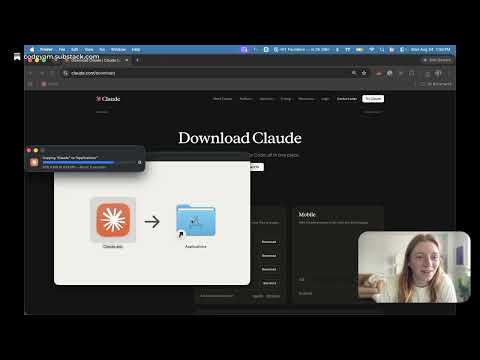
 ≈ 8 minSet up with Claude DesktopNo terminal. Install the Claude Desktop app, add the CodeYam extension, and open your first project from inside Claude. Needs a paid Claude plan with Claude Code.3 lessonsStart →
 ≈ 10 minSet up in your terminalRuns in your terminal with Claude Code, Codex or Gemini. Needs a subscription to one. Shown on a Mac; on Windows, use PowerShell.3 lessonsStart →
All lessons
Every route draws from these. Nobody watches all of them.
Set up in GitHub CodespacesSet up with Claude DesktopSet up in your terminal