AppsDesignPhilosophy
ServicesGet CodeYam
Academy›Set up CodeYam›Set up with Claude Desktop

Set up with Claude Desktop

No terminal. Install the Claude Desktop app, add the CodeYam extension, and open your first project from inside Claude. Needs a paid Claude plan with Claude Code.

Start →3 lessons · ≈ 8 min0 of 3 watched
  1. 012:01Start hereTwo ways to install CodeYamWhat the extension is, what the CLI is, and why this track uses the extension.→
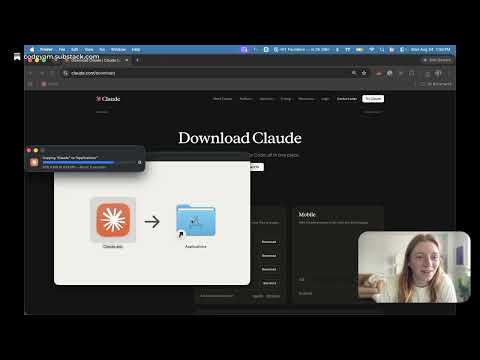
  2. 022:57Install the Claude Desktop appThe extension is an add-on to this app, so it has to exist first. Skip it if Claude Desktop is already installed and signed in.→
  3. 032:23Install the CodeYam extensionAdds CodeYam to Claude Desktop and opens the editor from it.→

More from the Academy

AIGetting started with AI1 lesson · 28 min→DesignRedesigning a personal website6 lessons · 32 min→WebHow to build a website2 lessons · 20 min→MVPThe MVP Masterclass1 lesson · 1 min→CodeYamHow to use CodeYamComing soon→
© 2026 CodeYam. Powerful tools for the AI coding era.